Devflow
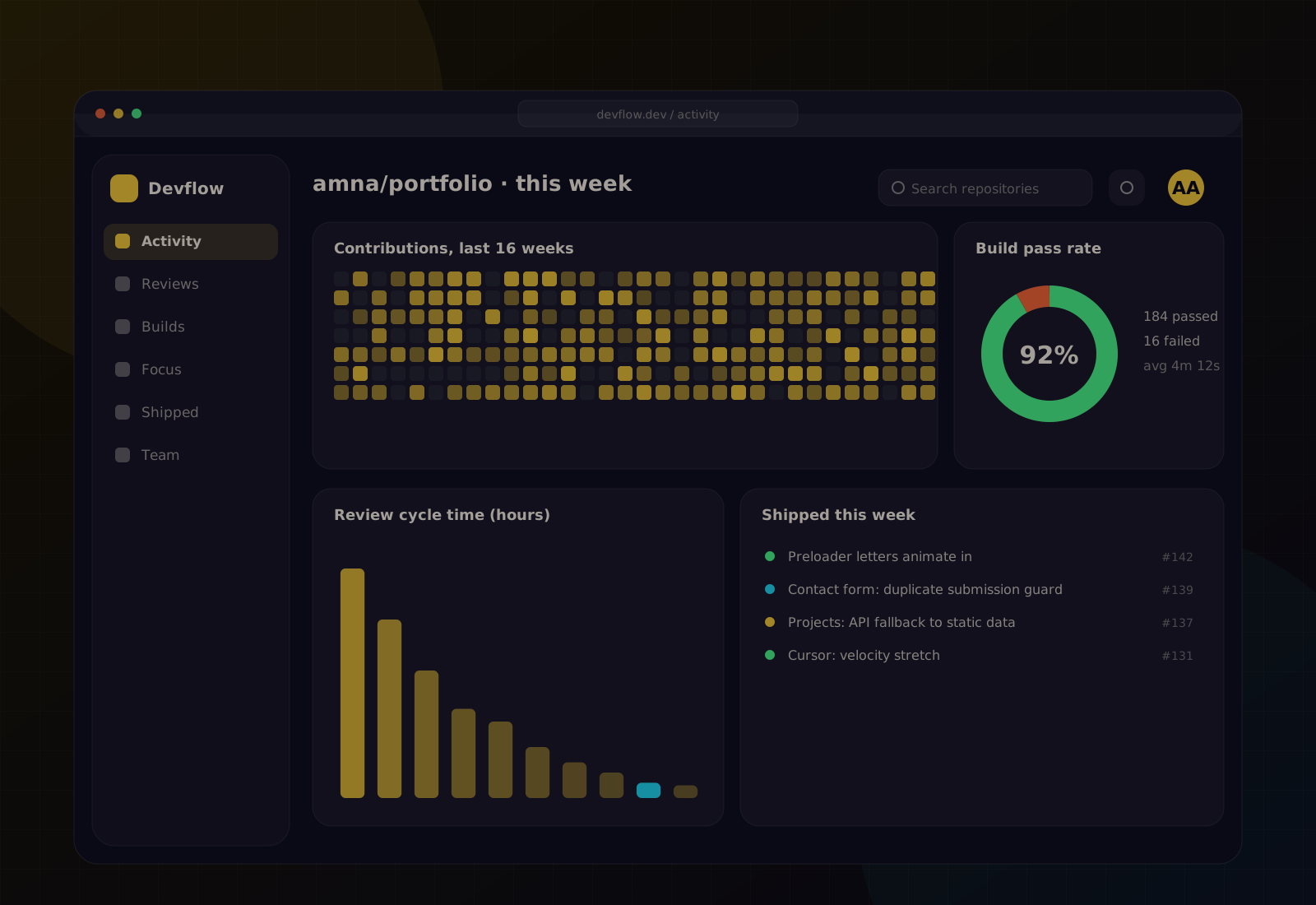
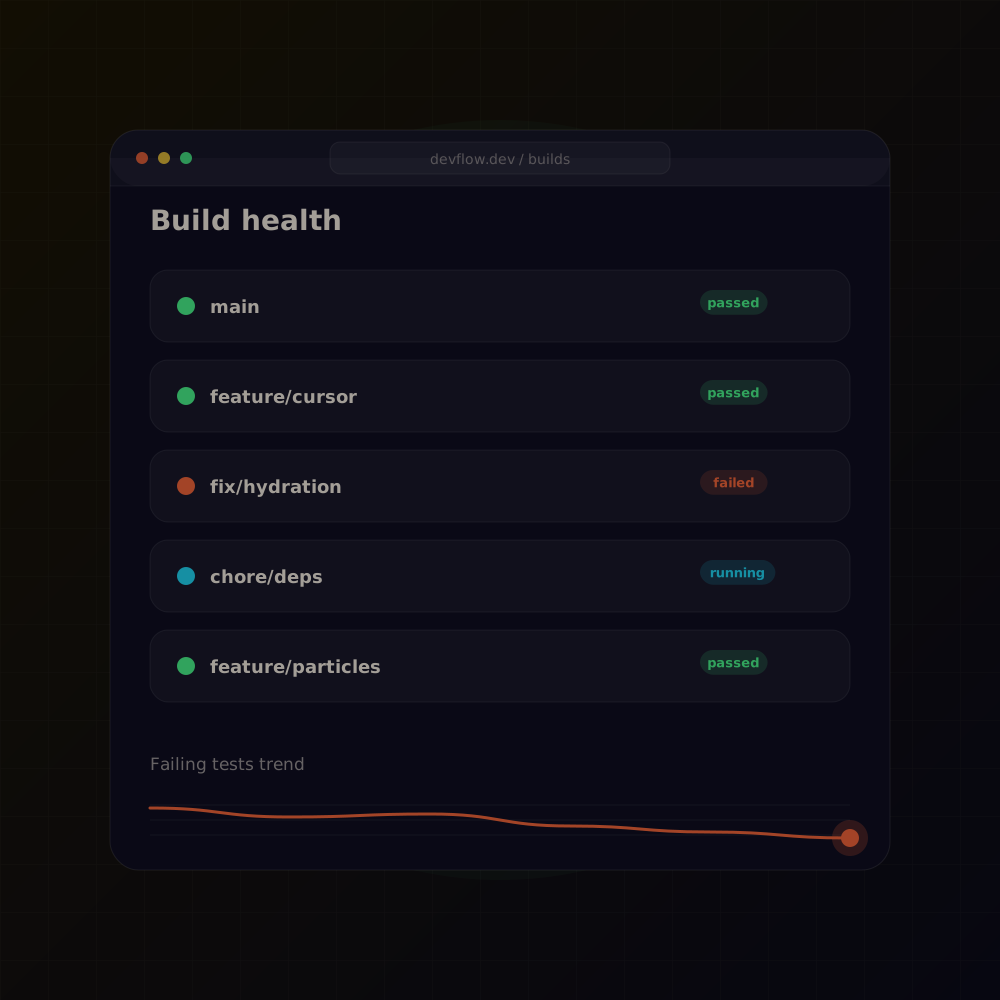
A demo developer productivity dashboard: commit activity, review times, build health and focus hours, drawn from sample repository data.
Overview
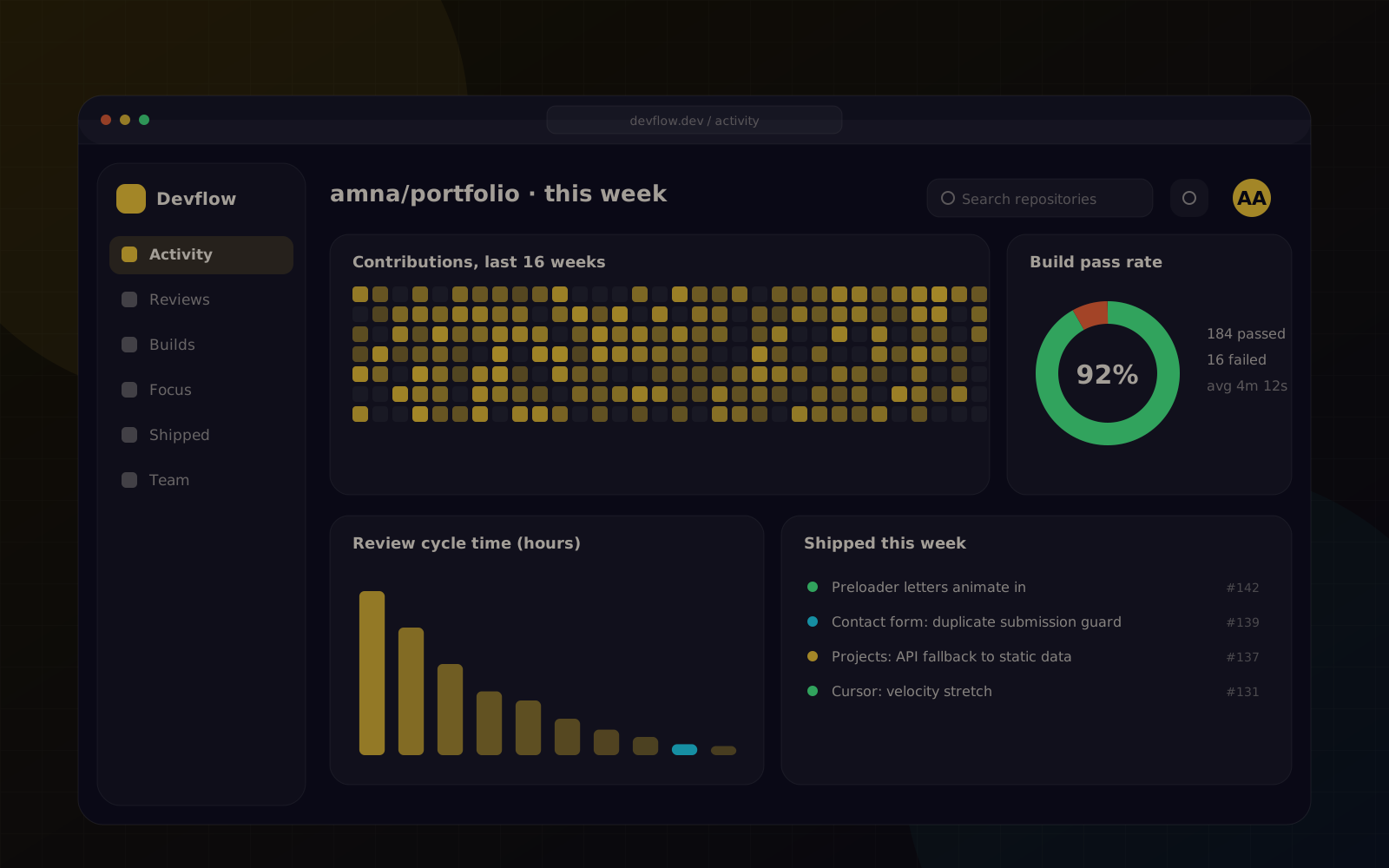
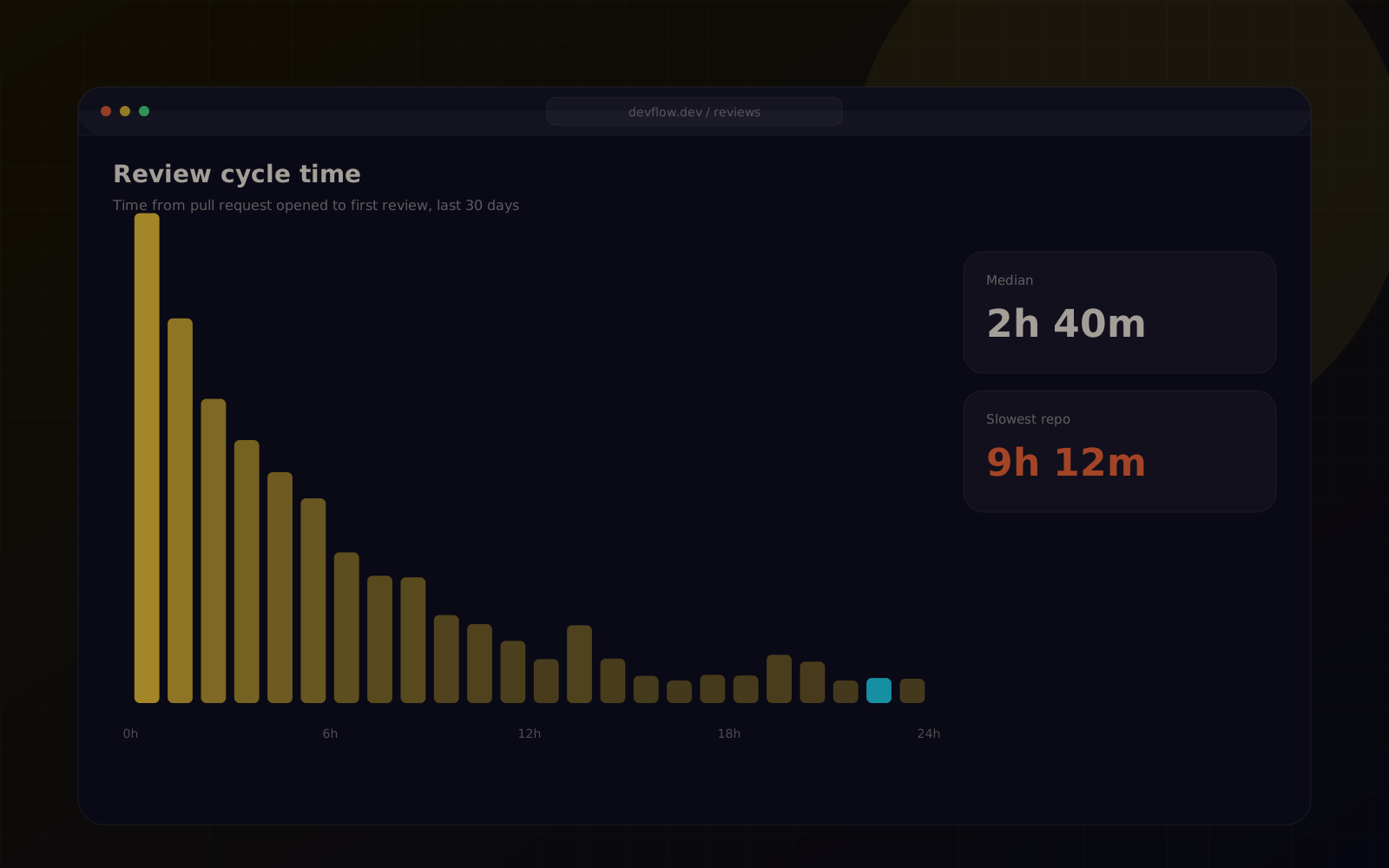
Devflow is a demo built to practise dense data visualisation without losing readability. It turns a repository's activity into a single screen: a contribution heatmap, pull-request cycle times, build pass rate and a timeline of the week.
Challenge
Developer metrics are easy to make and easy to misuse. The demo focuses on team health rather than individual scoring, keeps every chart labelled, and avoids anything that could become a leaderboard.
Process
- 01
Chose four questions worth answering: are reviews slow, are builds healthy, when do people focus, what shipped this week.
- 02
Designed each chart with D3 and wrapped it as a React component with a loading and empty state.
- 03
Pulled sample data from the GitHub API for an open-source repository and cached it on the server.
- 04
Tuned colour and density so the dashboard stays readable on a laptop screen.
Solution
A Next.js application with server-side data fetching from the GitHub API and D3-based charts rendered as SVG. The layout is a responsive grid that collapses to a single column on smaller screens.
Features
Digital Restaurant Menu
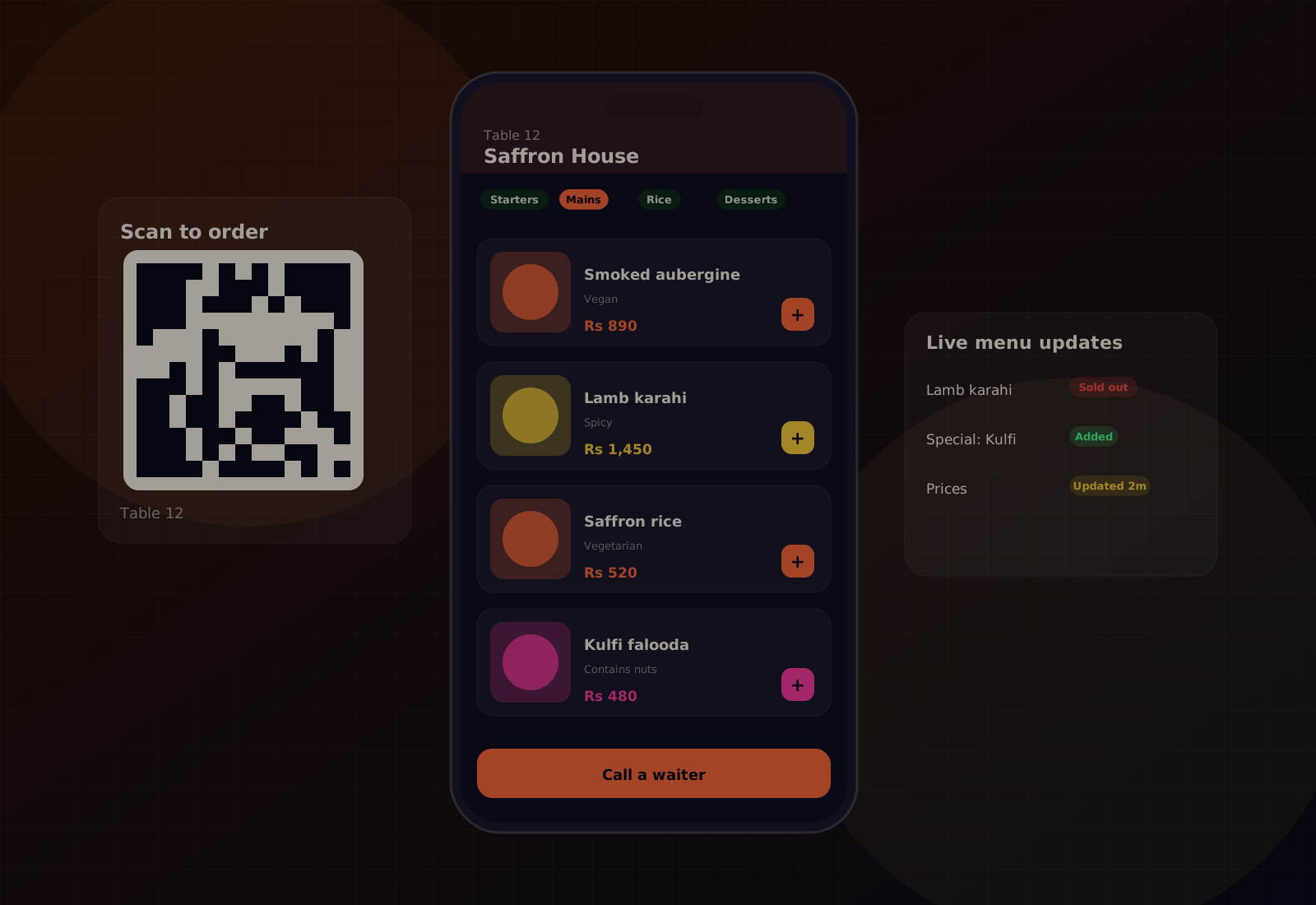
A QR-based digital menu: customers scan a code at the table to browse the menu on their phone, while staff update items and prices from a simple management panel.
Open case study